
Feugiat nibh sed pulvinar proin gravida hendrerit. Et netus et malesuada fames. Laoreet sit amet cursus sit amet. Purus in mollis nunc sed id semper risus.
A User’s Journey Through Automation Paradise (and Its Occasional Pitfalls)
After spending the better part of eight months building automations with Make.com (formerly Integromat), I can confidently say it’s transformed how I approach repetitive tasks in my business. But like any powerful tool, it comes with both delightful surprises and frustrating moments that I wish I’d known about before diving in.
The Learning Curve: Steeper Than Expected, But Worth It
Coming from Zapier, I expected Make.com to be a simple drag-and-drop affair. I was wrong. The visual scenario builder initially felt overwhelming – modules, routers, iterators, and filters everywhere. My first automation took me three hours to build what would have been a 15-minute Zapier setup.
However, this complexity is also Make.com’s greatest strength. Once you grasp the fundamentals (which took me about two weeks of regular use), you realize you’re not just connecting apps – you’re building sophisticated workflows that can handle complex business logic. The “aha moment” came when I created a scenario that parsed email attachments, extracted data, updated multiple spreadsheets, and sent personalized Slack notifications based on different conditions. Try doing that in Zapier without hitting a wall.
The Interface: Beautiful but Sometimes Unintuitive
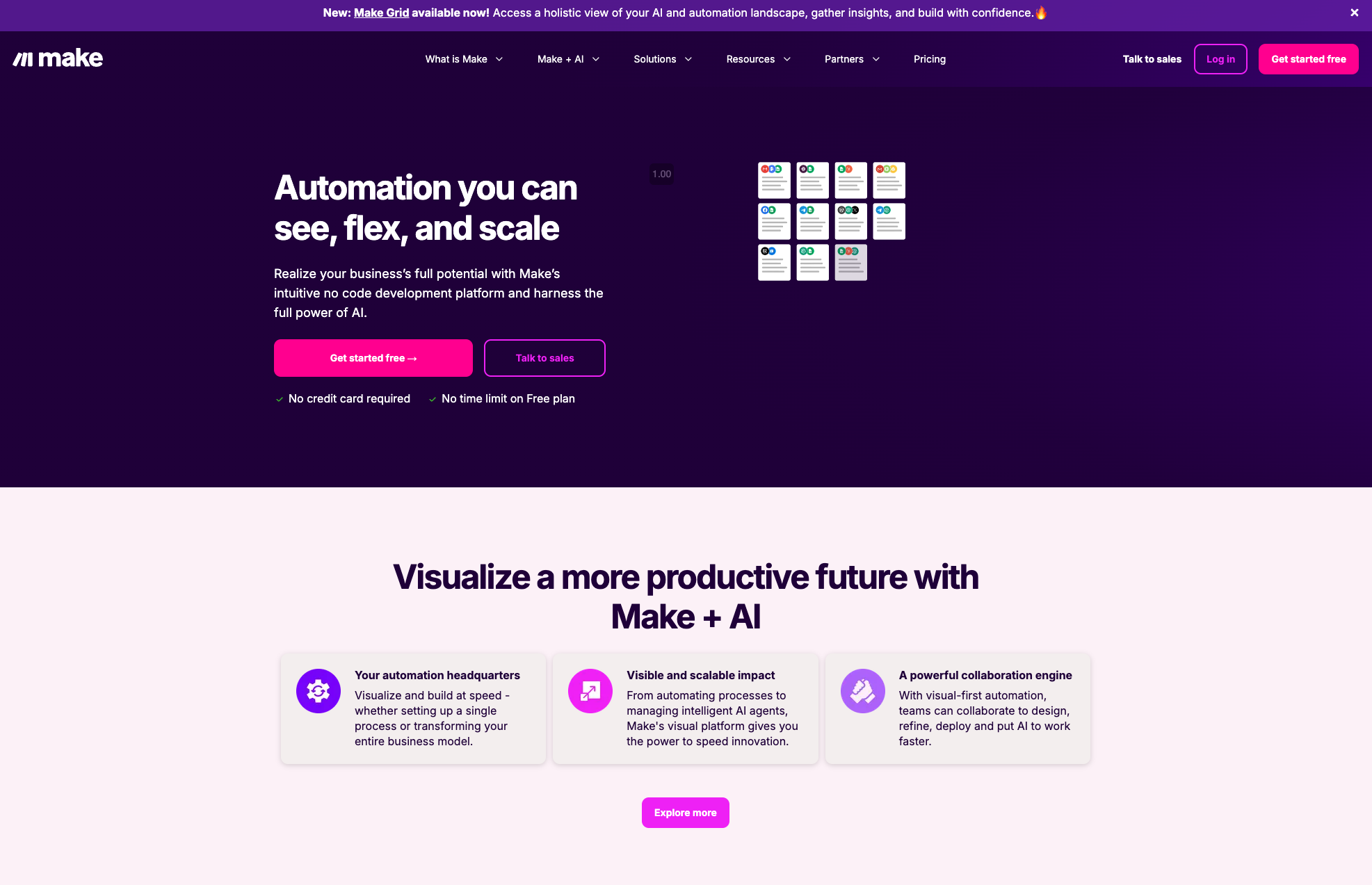
The visual editor is genuinely gorgeous. Watching your automations flow like a flowchart feels satisfying, and the real-time execution visualization is mesmerizing. However, the interface can be inconsistent. Some modules have clean, well-organized settings panels, while others feel cluttered with poorly labeled options.
The search functionality within modules needs work. I often know exactly what I want to do but spend precious minutes hunting through dropdown menus. A simple text search within module settings would save significant time.
Performance: Generally Solid with Some Hiccups
Most of my scenarios run flawlessly. The execution speed is impressive – my CRM sync scenarios typically complete in under 30 seconds, processing hundreds of records. However, I’ve experienced occasional mysterious failures where scenarios just… stop. The error messages aren’t always helpful (“Connection timed out” tells me nothing about how to prevent it next time).
The monthly operation limits can sneak up on you. I hit my limit mid-month during a data migration project, which was frustrating since there’s no easy way to predict consumption for complex scenarios.
Documentation and Support: A Mixed Bag
The documentation is comprehensive but often feels written by engineers for engineers. The community forum is active and helpful, but official support response times vary wildly. I’ve received brilliant, detailed responses within hours, and other times waited four days for basic clarification.
The template library is a goldmine once you figure out how to adapt them to your needs. However, many templates assume a level of Make.com expertise that beginners simply don’t have.
Pricing: Fair but Requires Planning
The operation-based pricing model makes sense conceptually, but it requires careful planning. Unlike Zapier’s task-based system, Make.com’s operations can be difficult to predict, especially for complex scenarios with multiple branches and iterations.
I appreciate the generous free tier for testing, but the jump to paid plans feels steep for small businesses. The Pro plan became necessary sooner than expected as my automation complexity grew.
Real-World Impact: Genuinely Transformative
Despite the challenges, Make.com has genuinely improved my productivity. My customer onboarding process, which previously took 45 minutes of manual work, now runs automatically in the background. My team’s data synchronization between our CRM, project management tool, and accounting software happens seamlessly.
The error handling capabilities are sophisticated – I can build scenarios that gracefully handle failures and retry operations, something that was impossible with simpler tools.
What I Wish I’d Known Before Starting
- Start simple: Don’t try to build complex scenarios immediately. Master basic modules first.
- Test extensively: The scenario editor makes it easy to test individual modules, but testing complete workflows with real data is crucial.
- Monitor operations closely: Set up alerts for when you’re approaching your monthly limits.
- Join the community: The Facebook group and Discord channel are invaluable resources.
- Budget time for learning: This isn’t a weekend project – plan for a genuine learning investment.
The Verdict
Make.com is like upgrading from a bicycle to a motorcycle. It’s more powerful, more complex, and requires more skill to operate safely. But once you’ve mastered it, you can’t imagine going back to simpler tools.
It’s not for everyone. If you need basic app connections and prefer simplicity, Zapier might be better. But if you’re building serious business automations and need granular control, Make.com is exceptional.
The platform has rough edges that need smoothing, but the core product is robust and continuously improving. For businesses ready to invest time in learning a powerful automation platform, Make.com delivers impressive results.
Best for: Tech-savvy users, businesses with complex workflows, teams that need advanced error handling and data transformation Skip if: You need simple automations, prefer minimal learning curves, or have very basic integration needs
My automation stack would feel incomplete without Make.com, frustrations and all.